

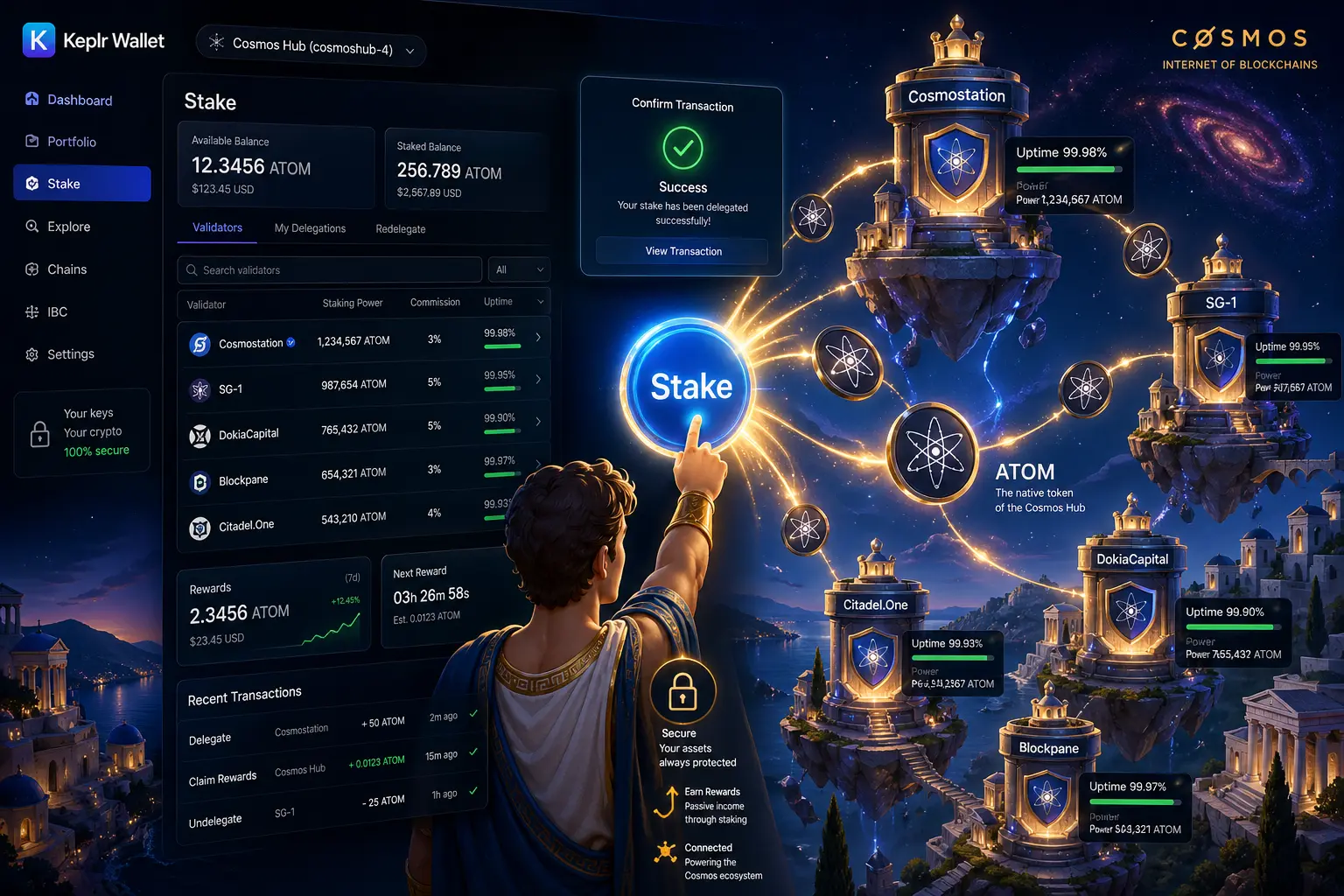
Staking Cosmos (ATOM) is one of the most accessible ways to earn passive income in crypto.
But for beginners, the process can feel confusing—especially when choosing wallets, validators, and understanding rewards.
This guide explains exactly how to stake ATOM using Keplr Wallet, in a simple, step-by-step format.
What You Need Before Staking ATOM
Before you begin, you need:
- A Keplr Wallet account
- ATOM tokens in your wallet
- A secure internet connection
You will use Keplr Wallet to manage staking and validator selection.
If you’re new to staking, it’s best to understand the basics first. The Cosmos staking guide for beginners clearly explains the entire process step by step.
Here is How to Stake ATOM Using Keplr Wallet
Step 1: Install Keplr Wallet
Install Keplr as a browser extension or mobile app.
Once installed
- Create a new wallet OR import an existing one
- Secure your seed phrase offline
- Set a strong password.
If you are still choosing a wallet, check the 7 Best Wallets for Cosmos Tokens (Staking, Security & Ecosystem Guide) to compare top options before you start.
Step 2: Fund Your Wallet with ATOM
Transfer ATOM into your Keplr wallet from:
- Exchange (like Binance or Coinbase)
- Another Cosmos wallet
Once received, your balance will appear in the dashboard.
Step 3: Open the Staking Dashboard
Inside Keplr:
- Select Cosmos Hub
- Click “Stake”
You will now see a list of validators.
Step 4: Choose a Validator
Validators are nodes that secure the network and distribute rewards.
Choosing the right validator is critical for your rewards and risk level. This guide ranks the best Cosmos validators—balancing safety, uptime, and yield strategies.
Major factors:
- Uptime
- Commission
- Reputation
- Slashing history
Step 5: Delegate Your ATOM
Once you select a validator:
- Enter the amount of ATOM
- Click “Delegate”
- Confirm transaction
Your tokens are now successfully staked.
Step 6: Start Earning Rewards
After delegation:
- Rewards begin accruing automatically
- You can claim or reinvest them
- Some wallets support auto-compounding tools.
| Step | Action | Purpose |
|---|---|---|
| 1 | Install Keplr Wallet | Access Cosmos ecosystem |
| 2 | Fund with ATOM | Enable staking |
| 3 | Select Validator | Secure network participation |
| 4 | Delegate Tokens | Start earning rewards |
How Staking Rewards Work
Staking rewards come from:
- Transaction fees
- Inflation incentives
- Network participation rewards
Rewards vary depending on:
- Validator performance
- Network conditions
- Commission rates
If you want clarification, see the full guide: What Is APR vs APY in Crypto Staking?
Common Beginner Mistakes
Choosing validators only by APR
High APR does not always mean safe returns.Ignoring validator uptime
Poor uptime reduces rewards.Not diversifying
Staking all tokens to one validator increases risk.
To understand Zcash’s full potential and risks, read this: Is Zcash (ZEC) the most underrated crypto? a complete guide to private cryptocurrency.
Frequently Asked Questions (FAQs)
Is Keplr Wallet safe for staking ATOM?
Yes, it is one of the most widely used Cosmos wallets.
Can I unstake ATOM anytime?
Yes, but there is an unbonding period.
What is the minimum ATOM needed?
There is no strict minimum, but fees apply.
Do staking rewards compound automatically?
Not by default, but you can manually or via tools.
Is staking ATOM risky?
Main risks are validator performance and market volatility.